API Key Management (Dashboard)
This guide outlines the User Experience (UX) and implementation details for managing API keys within the Precogs WebApp.
UI Design Concepts
1. API Keys List View
The central hub for managing existing keys. Users can see their active tokens, identify them by prefix, and monitor usage.
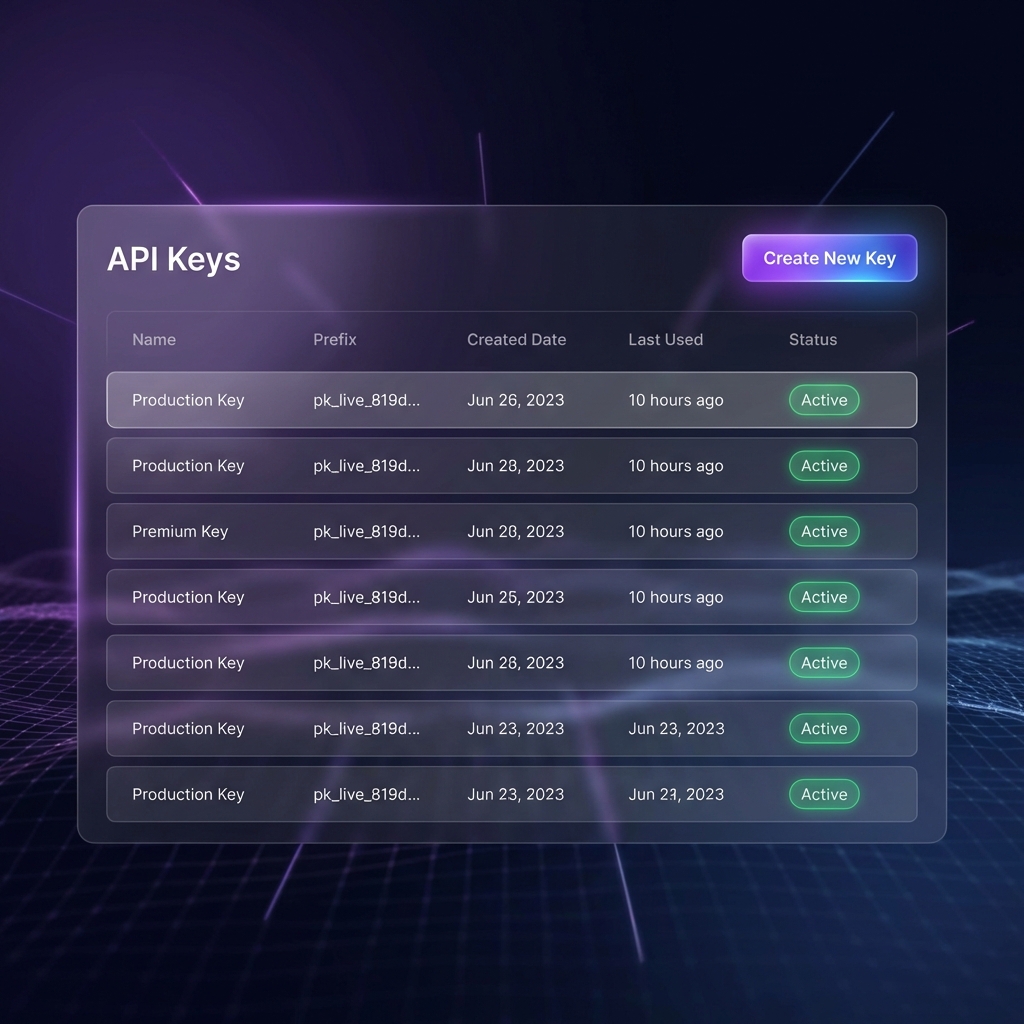
Key Features:
- Name: User-defined label (e.g., "VS Code Laptop", "GitHub CI").
- Prefix: The first 12 characters of the key (
pk_live_xxxx) to help users identify which key is which. - Created Date: Audit trail of when the key was generated.
- Last Used: Relative time (e.g., "10 hours ago") updated whenever the key is used for an API call.
- Status Badge: Clear visual indicator if the key is
ActiveorInactive.
2. Creation Modal (Crucial UX)
When a user creates a new key, the system MUST show the raw key exactly once.
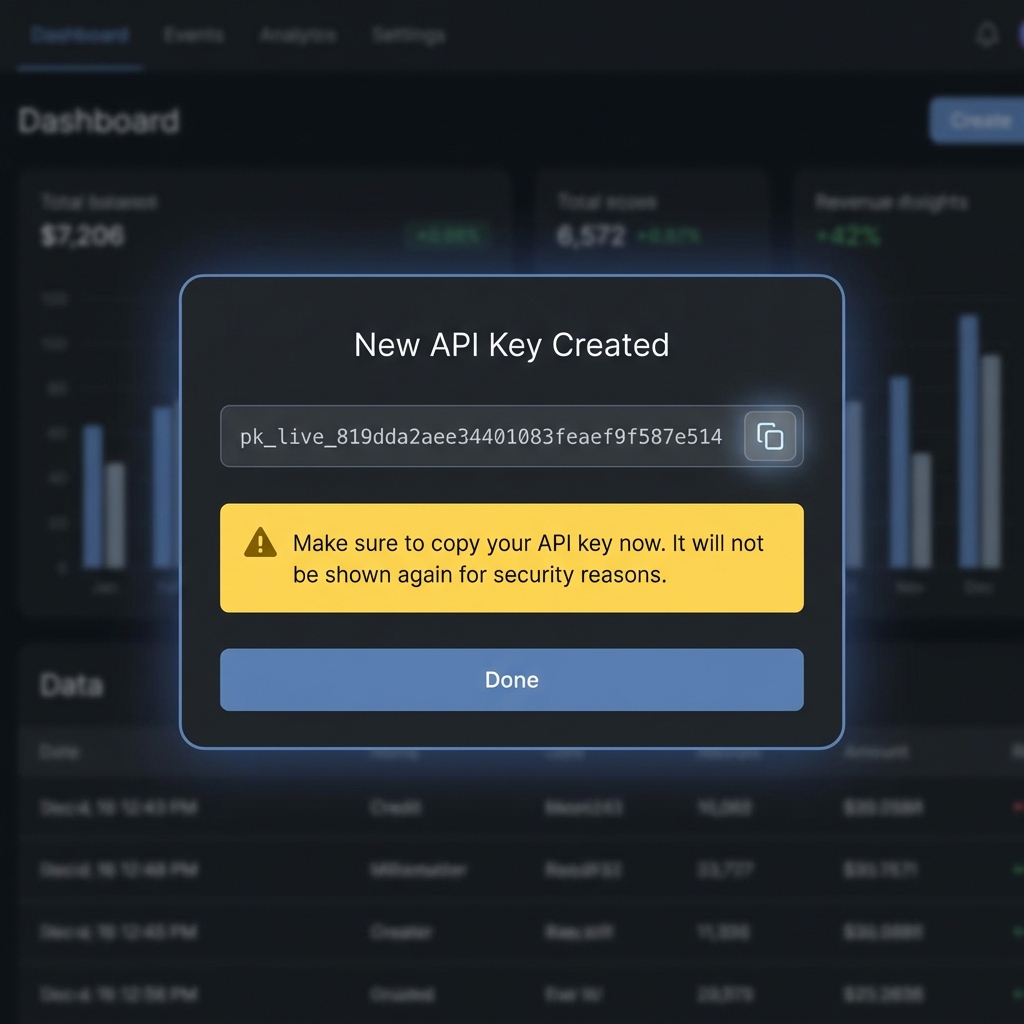
Security Requirements:
- One-Time Exposure: The raw key is returned in the
POSTresponse but is never stored in its raw form in the database (only the SHA-256 hash). - Hard Warning: A prominent warning banner must tell the user: "This key will not be shown again. Save it now."
- Copy Button: Provide a single-click "Copy to Clipboard" action.
Technical Integration
API Endpoint Usage
| Action | Endpoint | Implementation Note |
|---|---|---|
| Fetch All Keys | GET /api/v1/keys | Populate the dashboard table using the data array. |
| Create New Key | POST /api/v1/keys | Body: { "name": "Key Name" }. Extract rawKey for the modal. |
| Revoke Key | DELETE /api/v1/keys/:id | Immediately invalidates the key on the backend. |
Frontend Code Example (React + Tailwind)
// Example of the "Success" state in your Creation Modal
const KeyCreationSuccess = ({ rawKey }: { rawKey: string }) => {
  return (
    <div className="p-6 bg-slate-900 rounded-xl border border-purple-500/30">
      <h3 className="text-xl font-bold text-white mb-4">New API Key Created</h3>

      <div className="flex items-center gap-2 p-3 bg-black rounded border border-white/10 mb-4">
        <code className="text-purple-400 font-mono break-all">{rawKey}</code>
        <button onClick={() => navigator.clipboard.writeText(rawKey)}>
           <CopyIcon className="w-5 h-5 text-gray-400 hover:text-white" />
        </button>
      </div>

      <div className="p-4 bg-yellow-900/20 border border-yellow-500/50 rounded-lg mb-6">
        <p className="text-yellow-200 text-sm flex items-center gap-2">
          <WarningIcon /> Make sure to copy your API key now.
          It will not be shown again for security reasons.
        </p>
      </div>

      <button className="w-full py-2 bg-purple-600 hover:bg-purple-500 text-white rounded font-medium">
        Done
      </button>
    </div>
  );
};
Best Practices
- Never Save Raw Keys: Do not store the
rawKeyinlocalStorageorcookies. - Audit Logs: The
usageCountandlastUsedfields in the database should be displayed to help users detect unauthorized use. - Revocation Flow: Always ask for confirmation (e.g., "Are you sure you want to revoke this key? Services using it will break immediately.") before deleting.